 Sopan Khekade
Here is a simple test. If you disappear from your business for 30 days, no calls, no WhatsApp, no follow-ups, do the leads still come in and get handled?
For most small business owners the honest answer is no. Leads come because you post, you reply, you call back. That means the business is you, not a system. The day you are sick, travelling or busy with one big client, sales stop.
This is the 3-part lead system I set up for clients so leads keep coming and keep getting handled, even when the owner is not on the phone. This is the guide I promised in my reel. You can set up a basic version this week.
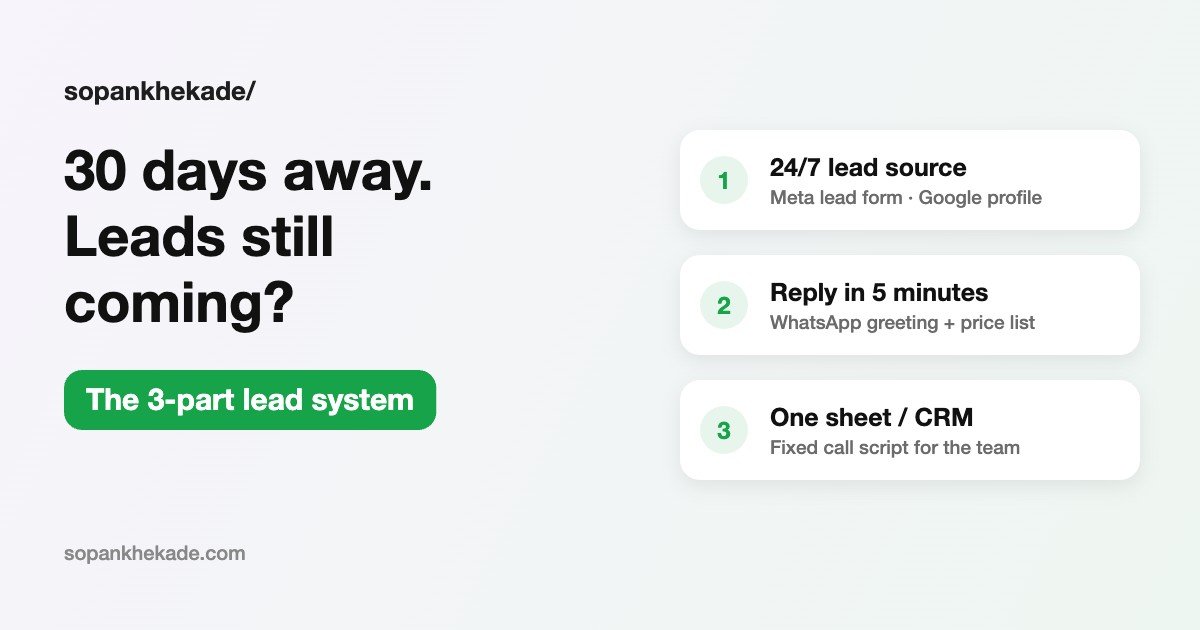
The 3 parts at a glance
| Part | What it does | Simple version to start |
|---|---|---|
| 1. Always-on lead source | Brings new enquiries 24/7 | Meta lead form ad or Google Business Profile |
| 2. Reply in 5 minutes | Catches the lead while they’re still interested | WhatsApp Business greeting message + price list |
| 3. One place + a call script | Makes sure every lead is followed up | Google Sheet or CRM + a fixed script for the team |
Part 1: A lead source that runs 24 hours
If every lead depends on you posting or networking, your lead flow has an off switch. You need at least one source that brings enquiries whether you are working or not.
Option A: Meta lead form ad (Instant Form)
- In Ads Manager, create a campaign with the Leads objective and choose Instant forms as the conversion location.
- Keep the form short: name, phone, and one qualifying question (for example “What is your budget?” or “Which area are you in?”). Every extra field lowers the number of leads; the one qualifying question raises the quality.
- Run a small daily budget continuously instead of big bursts. The point is a steady flow, every day.
- Leads collect in Meta Business Suite’s Leads Center. Download them regularly: Meta keeps leads available to download for 90 days, so don’t let them pile up there.
Option B: Google Business Profile
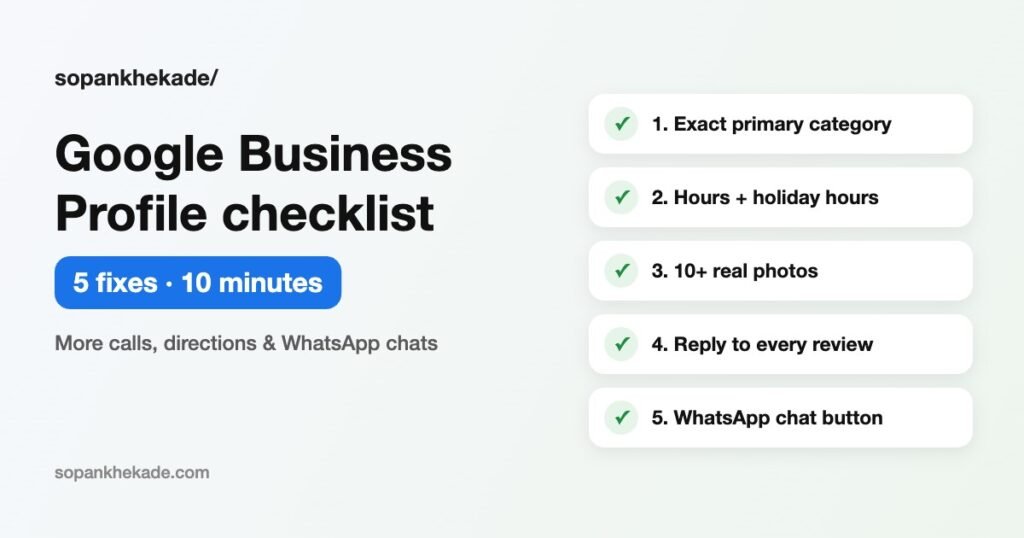
If customers search for your type of business nearby, your Google Business Profile is a free lead source that works 24/7. Calls, direction requests and WhatsApp chats come from it. Follow my 10-minute Google Business Profile checklist to set it up properly.
Best: run both. Google catches people who are already searching; Meta reaches people who are not searching yet.
Part 2: Reply within 5 minutes
A lead is hottest in the first few minutes after they enquire. A well-known Harvard Business Review study of over a million sales leads found that firms that contacted a lead within an hour were nearly 7 times more likely to have a real conversation with them than firms that waited even an hour longer, and over 60 times more likely than firms that waited a day or more.
In plain words: a reply after one hour is often a cold lead. They have already messaged your competitor.
You can’t reply to everyone in 5 minutes yourself. The WhatsApp Business app can, for free:
- Greeting message: Business tools → Greeting message. It goes out automatically to anyone who messages you for the first time.
- Away message: Business tools → Away message, for after hours. Always say when you’ll reply.
- Quick replies: saved answers to your top 5 questions (price, timing, location, delivery, process). Type “/” to send one in a second.
A greeting message that actually moves the lead forward has two things: the price list and one question.
Namaste 🙏 Thank you for contacting [Business]! Here is our price list: [link or PDF]. To help you faster, please tell us: [one question, e.g. which service / which date / your area]? Our team will call you within [time].
The question matters: the people who answer it are serious, and their answer tells your team exactly what to say on the call.
Part 3: All leads in one place, with a fixed call script
Leads coming from Meta, Google, WhatsApp, calls and Instagram DMs, scattered across five apps, is how leads get lost. Put every lead in one place.
- Starting out: one Google Sheet with columns: Date, Name, Phone, Source, Requirement, Status (New / Called / Interested / Won / Lost), Next follow-up date, Owner.
- Growing: a simple CRM. Meta lead ads can be connected to most CRMs so new leads arrive automatically, with no downloading or copy-pasting.
- One owner per lead. Every lead has a name next to it. “Everyone” means no one.
Then give the team a fixed call script so the result doesn’t depend on who picks up the phone:
- Introduce: name, company, “you enquired about X”.
- Ask 2 to 3 qualifying questions (need, budget, timeline).
- Give the right offer or next step (visit, demo, quote).
- Close the call with a clear next action and a date, and update the sheet.
- No answer? Try 3 times over 2 days (call + WhatsApp), then mark it and move on.
The 3-day phone-off test
Once it is set up, test it: switch off your phone for 3 days (or at least stop handling leads yourself).
- Did new leads still come in? → Part 1 is working.
- Did every new lead get a reply within minutes? → Part 2 is working.
- Did the team call them and update the sheet, without you? → Part 3 is working.
- If all three are yes, your system is ready. If not, you know exactly which part to fix.
The goal is simple: next time you are away, you disappear, not your business.
Want help building this?
If a part is missing and you’re not sure how to set it up, DM me SYSTEM on Instagram @sopankhekade. Tell me your business type and where your leads come from today, and I’ll tell you what’s missing. My team at Codexxa builds the full setup (ads, WhatsApp automation and CRM) for businesses that want it done for them.